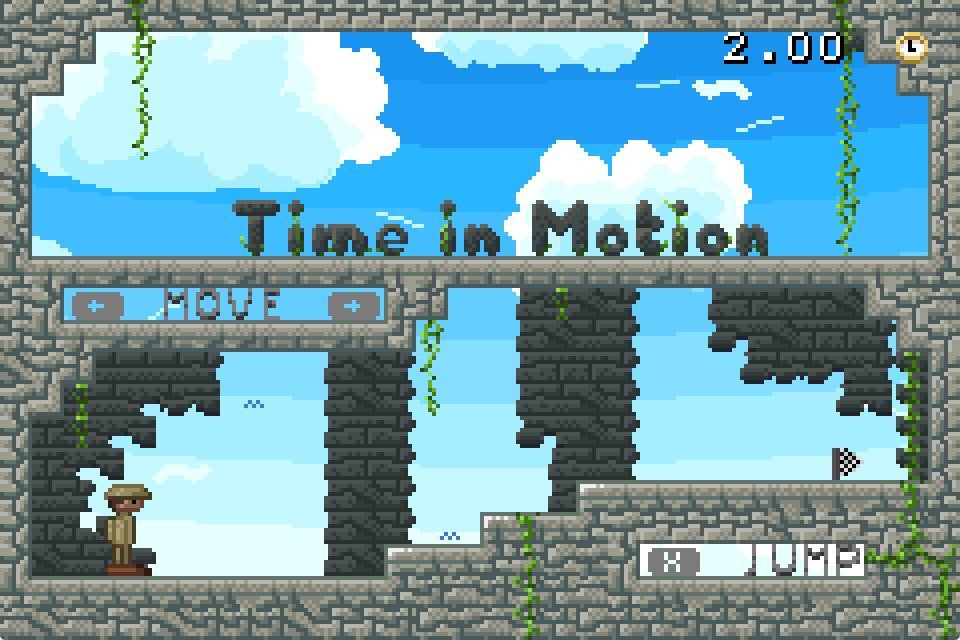
Time in Motion
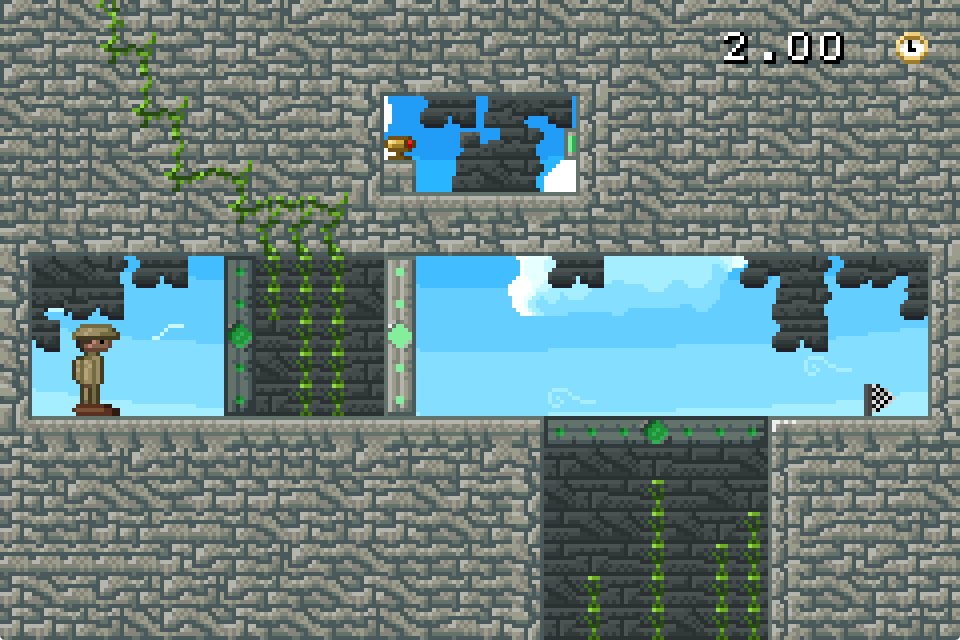
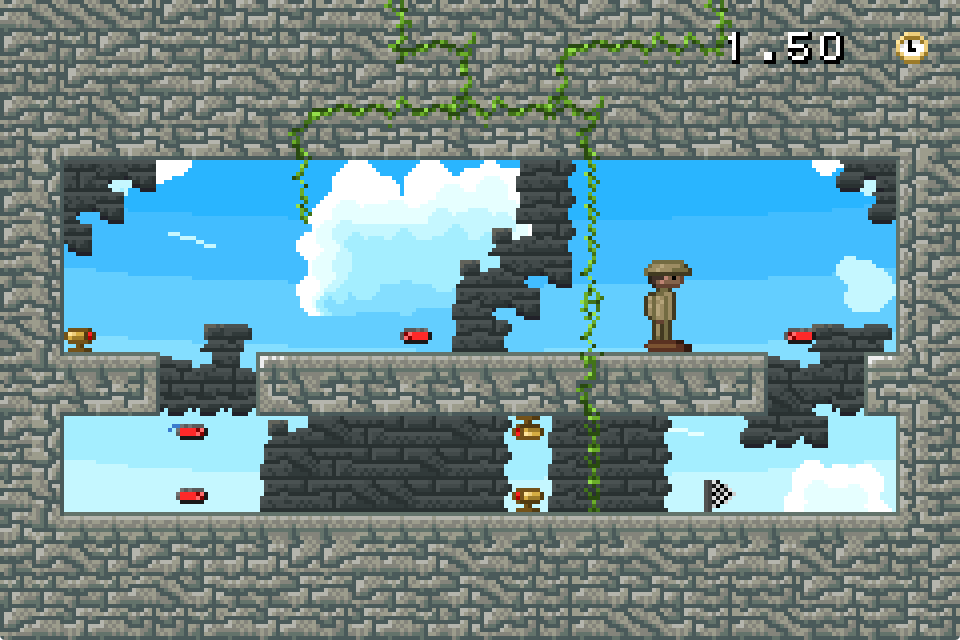
You are exploring some ancient ruins near your home. But it's almost time for dinner! So hurry, time is of the essence!
Time only progresses as you move, so plan your actions and go.
Controls
Keyboard and Gamepad mappings can be changed in the settings. In case it is no longer possible to open the settings menu due to broken mappings, clicking on the Settings text once it pops up also opens the settings menu.
Keyboard
Keyboard input will not work in Internet Explorer or older versions of Edge, use a different browser instead.
- Left / Right Arrow-Keys: Move
- Down Arrow-Key: Advance time
- X: Jump
- Y: Shoot
- Q / W: Switch between levels
- Enter: Restart level
- Backspace: Open settings
Gamepad
- Left / Right D-Pad: Move
- Down D-Pad: Advance time
- A: Jump
- B: Shoot
- L / R: Switch between levels
- Start: Restart level
- Select: Open settings
Touch
This is mostly for completeness. Consider not playing with touch input if possible.
- Left / Right Screen edges: Move
- Bottom Screen edge: Advance time
- Top Screen edge: Jump
- Center: Shoot
- Top-Left Screen corner: Restart level
Download
Install instructions
Linux
Just download the executable and run it. This should work with various distributions that are at least as new as Debian Bullseye.
Windows
Just download the executable and run it. Possibly have an argument with Windows Defender whilst doing so.
Android
Install the APK through your favorite file manager, may require installing from untrusted sources. If your phone does not allow this, consider getting a better phone.
GameBoy Advance
Either load the ROM in an emulator or put it onto some flashcard. This ROM cannot be used as a multiboot image.
MS-DOS
Find a way to get the executable onto the machine and run it. You can press ESC to exit the game again.
System requirements
-
Linux:
- Distribution: Anything with glibc 2.31 or newer should work
- Processor: x86_64 or i686, 400 MHz
- Memory: 1 GiB
- Graphics: Vulkan 1.0 or OpenGL 1.1, software rendering otherwise
-
Windows:
- Version: Windows 10 or later
- Processor: x86_64 or i686, 1 GHz
- Memory: 1 GiB
- Graphics: DirectX 9 or 12, software rendering otherwise
-
Android:
- Processor: 2 GHz
- Memory: 1 GiB
- Graphics: OpenGL ES 2.0
-
GameBoy Advance:
- Flashcard or emulator (Sound is broken in VBA-M)
-
MS-DOS:
- Processor: 80386, DX at 33 MHz or better recommended
- Memory: 4 MiB
- Graphics: VGA
Comments
Log in with itch.io to leave a comment.
What a nasty game. Simple, but love it!